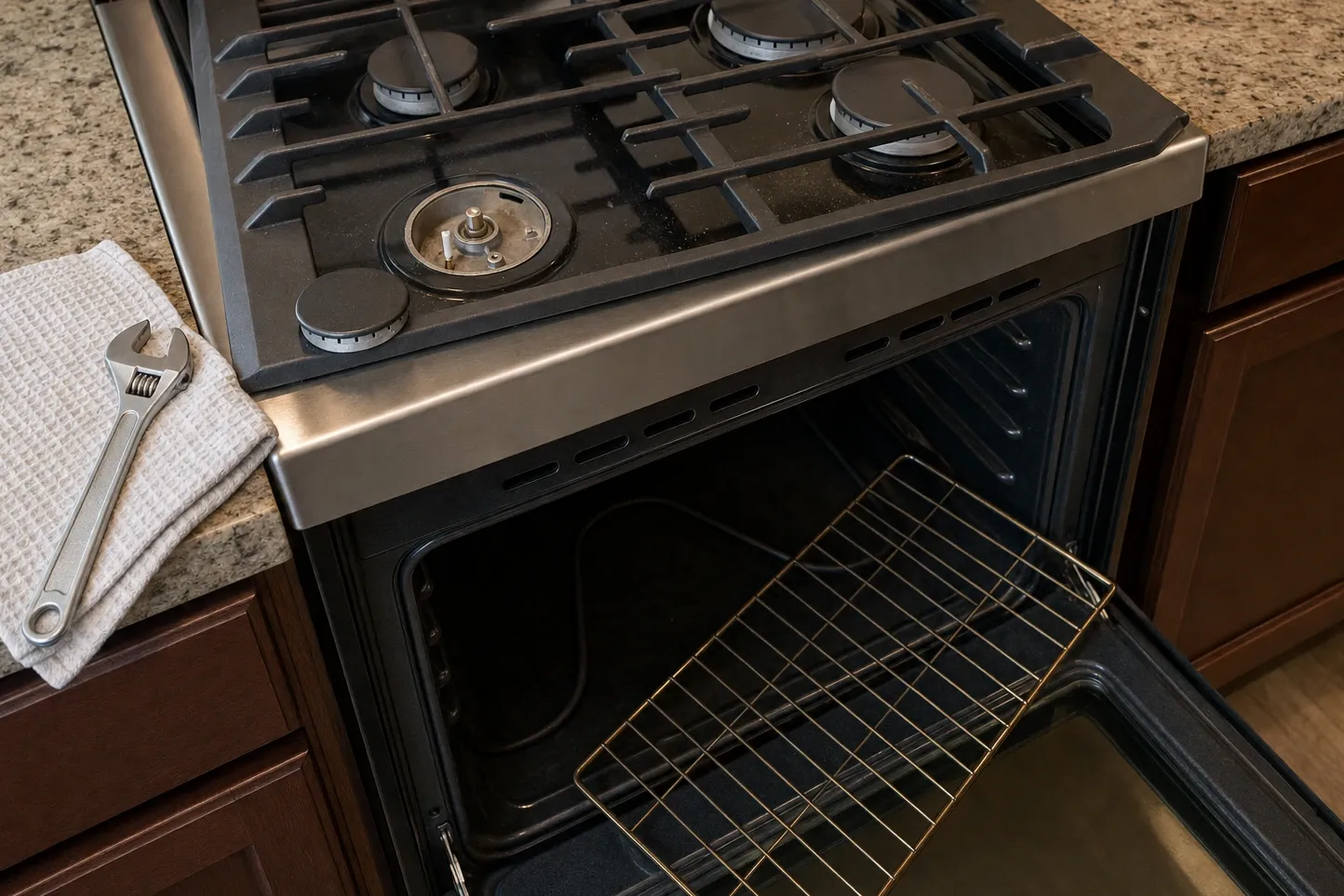
Reading the panel
Locked Controls: What the Lock Indicator Means
Control lock, defined
Control lock is the setting that makes a cooktop refuse the panel on purpose, so a wipe of the worktop or a leaning sleeve cannot start a zone. It is not a fault and it is not a dead panel, because a locked top still lights and answers the control that releases it. Wolf Repair Pro Los Angeles meters before it quotes — (310) 742-8625.
Why a cooktop locks itself
Two reasons, and only one is you. The lock can be set on purpose, so a cloth or a leaning arm cannot start a ring. It also arrives by itself: these tops lock after a stretch untouched, and come back locked once power returns.
What it is not
A locked panel still answers you, though nothing heats. That divides it from a dead induction zone, which takes a setting in silence, or a flashing power level, asking for another pan. A zone that shuts off hot is different again: it took the setting, heated, then quit by itself.
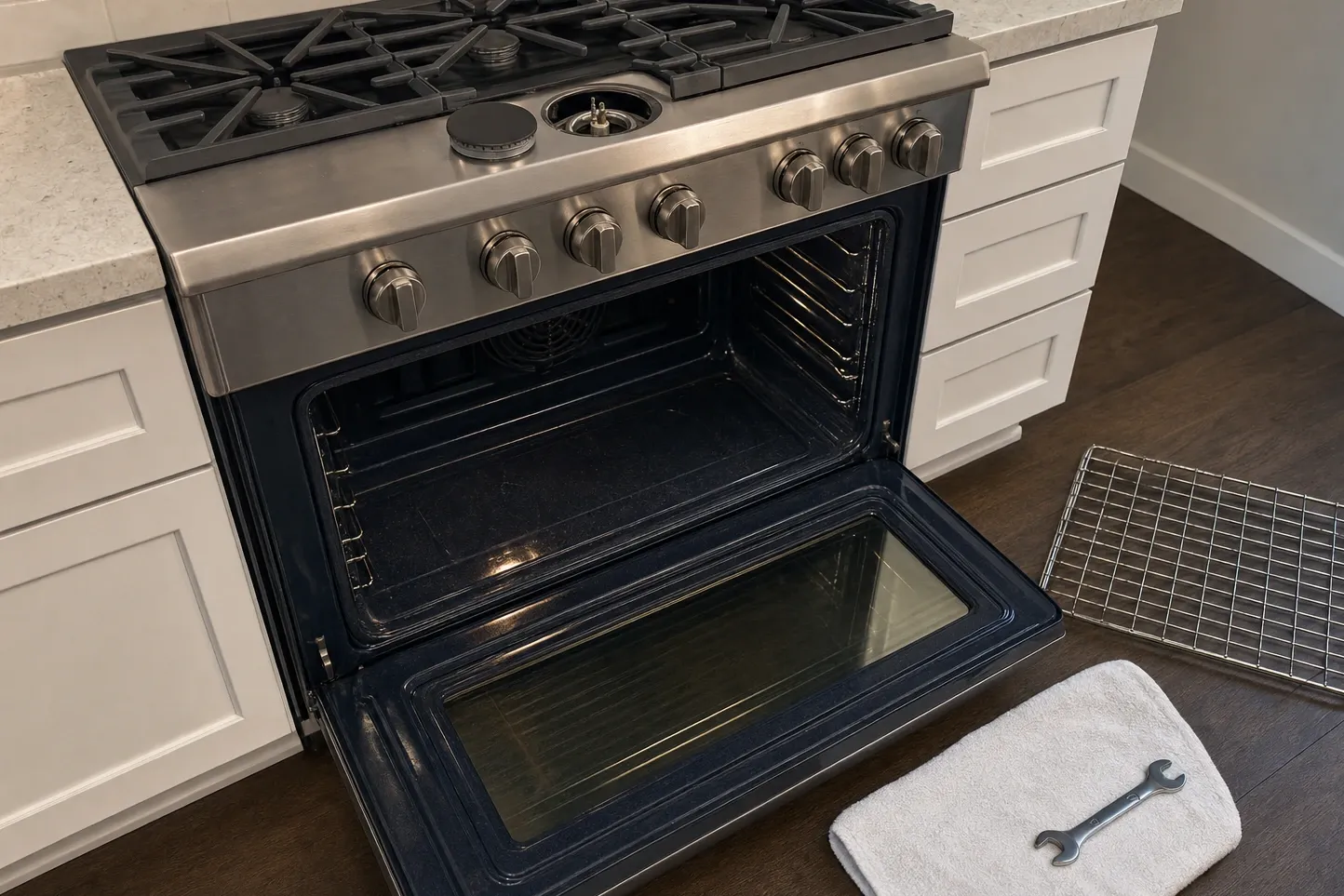
Telling a locked panel from a dead one
Three checks, at the panel and at the breaker. Nothing here needs a tool.
-
Look for an indicator that is lit when nothing else is
A locked top shows one steady indication with no zone running. Your own guide names the mark, which differs by model.
-
Try the control your model's guide gives for the lock
One control both locks and releases it, and it is not in the same place on every panel.
-
Cut power at the breaker, wait five minutes, bring it back
Expect it back locked; that is by design. Then watch whether the panel lights and responds.
Stop there. Anything past those checks means the cover comes off, and that is our visit, not yours — Wolf Repair Pro Los Angeles, (310) 742-8625.
Follow-ups
Why does the panel light up when nothing I touch works?
Far more often the top is locked rather than broken, and a locked cooktop is meant to behave exactly like that. Work through the use and care guide for your model first. If releasing it changes nothing, Wolf Repair Pro Los Angeles will meter the panel on (310) 742-8625.